What is candidate elimination in Sudoku?
It is the logical removal of a digit from a cell’s possible values after a rule or pattern proves that digit cannot go there.
Pure Sudoku
Beginner to advanced technique
Every logical Sudoku technique either places a forced digit or proves that a candidate cannot occupy a cell. Clean eliminations make the next placement visible.
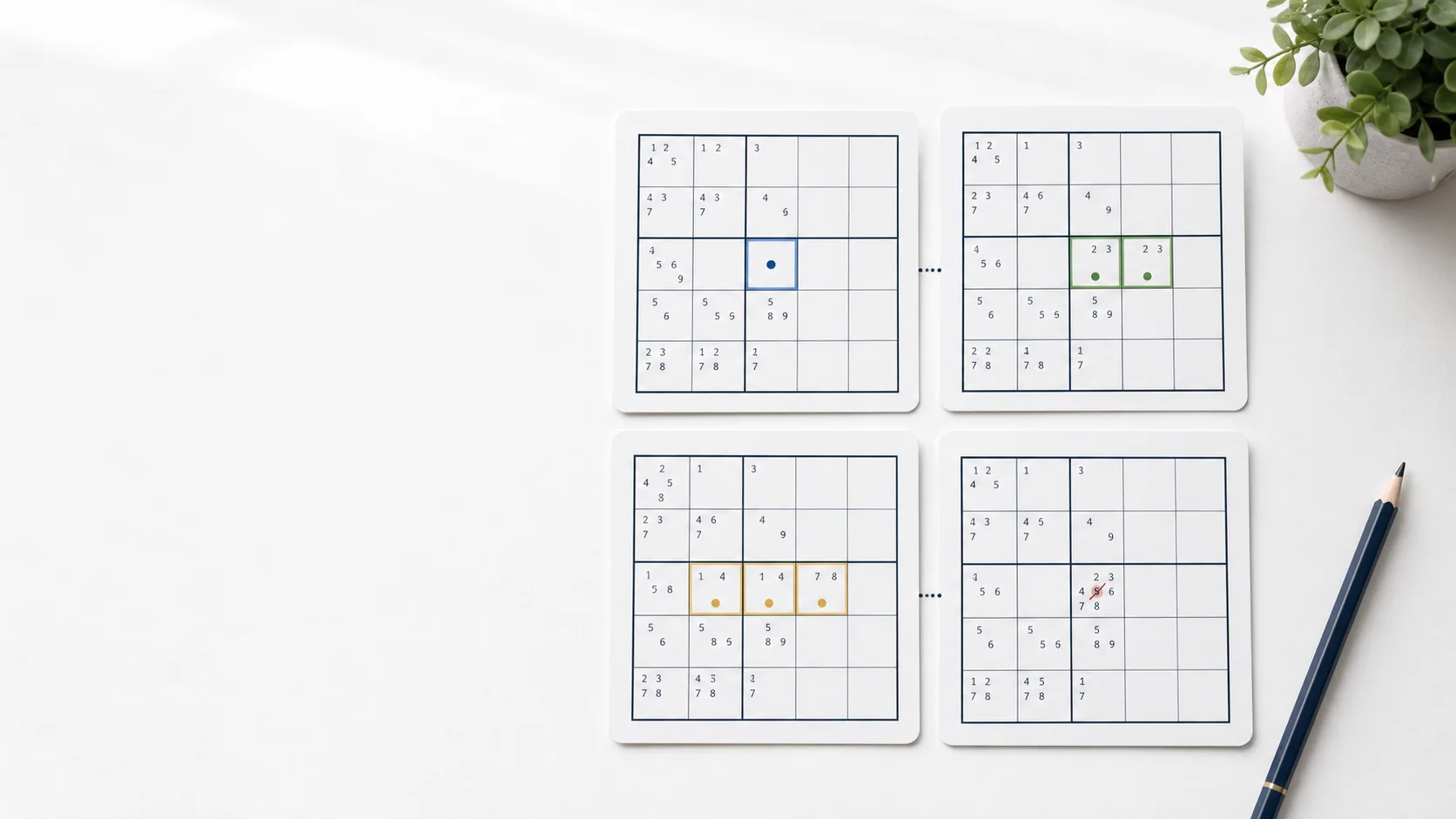
Focused example
The highlighted cells show the exact scope of the pattern. Read the candidates before making an elimination.
How it works
Know the difference
An elimination is not a guess and may not place a digit immediately. It records a proven impossibility so later candidate sets become smaller and clearer.
After the move, re-scan the affected unit for singles before searching for another advanced pattern.
Continue playing
FAQ
It is the logical removal of a digit from a cell’s possible values after a rule or pattern proves that digit cannot go there.
No. Remove a candidate only when a row, column, box, or valid solving pattern proves it impossible.
Scan the affected units for newly created naked singles, hidden singles, pairs, or triples.
Practice loop
Pause when the board slows down, check the candidate conditions, make one justified move, and scan again.